
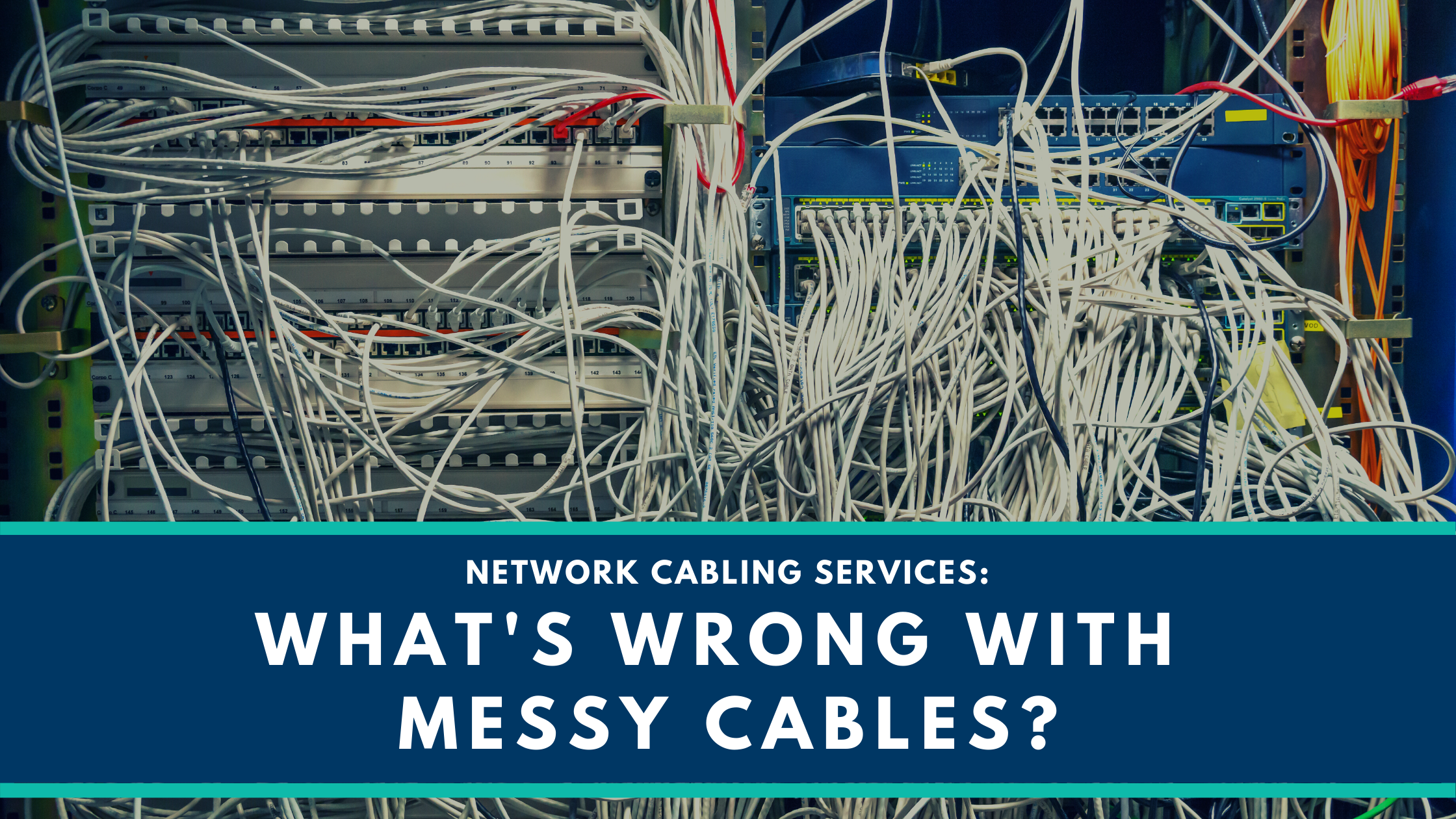
Has Bad Cable Management got you a messy server room? We won’t deny that rows of neatly arranged cables in a server room are aesthetically pleasing. However, there is more to it than aesthetics. Cabling Mess or Worst cable management can result in a number of problems for your network. It can quickly go from a minor annoyance to a massive drain on your time and resources in the worst of cases. Need help with getting your messy cables in order? Our Network Cabling Services in San Antonio can transform your server room and prevent the following issues.
Cabling Mess? Future upgrades can be a challenge without Proper Cabling
A scalable IT infrastructure is crucial for growth. And with each piece of hardware you add, you’ll introduce more cables. Dealing with a messy server room means a longer setup process for each upgrade.
It’s also important to keep track of the cables you use. You should know how old cables are and when to replace them. For instance, replacing CAT5e cables with CAT6 cables can speed up your network because these cables have more bandwidth. If you don’t manage cables, you won’t know which ones to replace. You could end up with an obsolete network that doesn’t meet your requirements anymore, and you could struggle to upgrade it because of the amount of work needed to sort out your cables in the first place.
Your network isn’t optimized without Network Cabling Services
You can’t optimize network performance without managing your cables. On average, businesses spend 3.2-6.9% of their revenue on IT. You won’t get the most out of this investment unless you look into optimizing your network, starting with proper cable management.
Network speed can be a serious issue. Twisted cables make accessing data a slow process. As a result, productivity can drop drastically. Employees will take longer to complete simple tasks. Besides, customers could have bad experiences when shopping online or using a point-of-sale system for in-store purchases. Ultimately, this may lead them to choose a competitor in the future.
A messy heap of cables also reduces airflow. Blocking server vents can lead to overheating. Thus, your servers might need repairs more frequently. Besides, you’ll run into a wide range of speed and performance issues if the airflow isn’t sufficient.
Additionally, looping and coiling cables create magnetic fields. As a result, you might have to deal with interferences. Heat will also build up in the cables and significantly reduce their lifespan.
Bad Cable Management Practices are expensive
Downtime is costly. Besides losing money, it can hurt your brand reputation too. Without good cable management practices, finding a faulty cable and replacing it could take days.
You should also know that coiled cables don’t last long because the internal elements become twisted and pinched. Cables have a natural curve that you should follow when you set them up. If you don’t, you’ll have to replace faulty cables more frequently. On average, installing a hardwired computer network costs $1,000 to $6,000, and replacing all your cables could cost just as much.
Due to bad cable management, while your IT team hunts down a broken cable, they can’t work on other important projects. You will likely see costs go up in other areas because your IT team can’t address other issues fast enough.
Need help with your Messy Cables?
SecureTech is here to offer comprehensive network cabling services in San Antonio, TX for your business. Regardless of how messy your server room is or how bad cable management is, we can make it right. Give us a call to get started with better cable management practices.
FAQs
Yes, they can. When cables are tangled or squashed, it can cause physical stress on the internal wires. If a cable is bent too tightly (known as a "kink"), the signal inside can get disrupted or "leaked." This leads to data packets being lost, which makes your network work harder to resend information, resulting in slower speeds and annoying lag for your staff.
It is generally a bad idea to run data cables (like Cat6) right next to electrical power lines. Electricity creates "noise" or interference that can jump into your internet cables. To keep your network clean, you should:
- Maintain Distance: Keep data and power cables at least 30cm apart whenever possible.
- Cross at Right Angles: If they must meet, have them cross each other in a "+" shape rather than running side-by-side.
- Use Shielded Cables: If your office has a lot of heavy machinery or electrical interference, use "Shielded" (STP) cables to block out the noise.
Color-coding is one of the best ways to prevent mistakes during repairs. By using different colored cables for different jobs, your IT person can see the problem instantly without digging through a pile of wires. A common system includes:
- Blue: For standard workstations and computers.
- Red: For critical servers or security cameras.
- Yellow: For wireless access points or "intercom" systems.
- White: For guest Wi-Fi or temporary connections.
Yes, every extra meter of cable adds a tiny bit of "latency" (delay). While a few extra meters won't hurt, having 50 meters of extra cable coiled under a desk can cause signal degradation. It is always better to have a cable that is the "just right" length. This not only keeps the office looking professional but also ensures the signal reaches the computer as fast as possible without losing strength along the way.
You should do a quick visual check of your main cable "trunks" at least once a year. Cables are often hidden under floors or inside walls, where they can be damaged by heat, moisture, or even pests like mice. If you notice the outer plastic "jacket" is cracked or peeling, it means the wires inside are at risk. Replacing a single worn-out cable during a scheduled check is much cheaper than fixing a total network crash on a busy Monday morning.